
Ableton Live 11 Intro Digital Download
Original price was: $69.00.$48.30Current price is: $48.30.
- Free and fast shipping worldwide
- 7-Day Returns, 100% Quality
- Buy with Peace of Mind
- Your needs, our top priority.

Fast and versatile, unleash your musical creativity and performance with this entry-level software pack!
Intuitive Audio Software
Providing all the essentials you need to get started, Ableton Live 11 Intro provides an extensive selection of sounds and tools to allow you to indulge your sonic imagination and compose whatever you desire. With two different mode styles of working and boundless ways to mix them, work the way you desire without limitations. And with every version of Live including a core library of synths, drum machines, keys and loads more, you’ll never be short of sounds to browse to suit your project whether it’s in the studio or live!
With the ability the extend and customise for any scenario, Live 11 Intro is a must-buy for any starting out musician or producer!
Ableton Live 11 Intro Features:
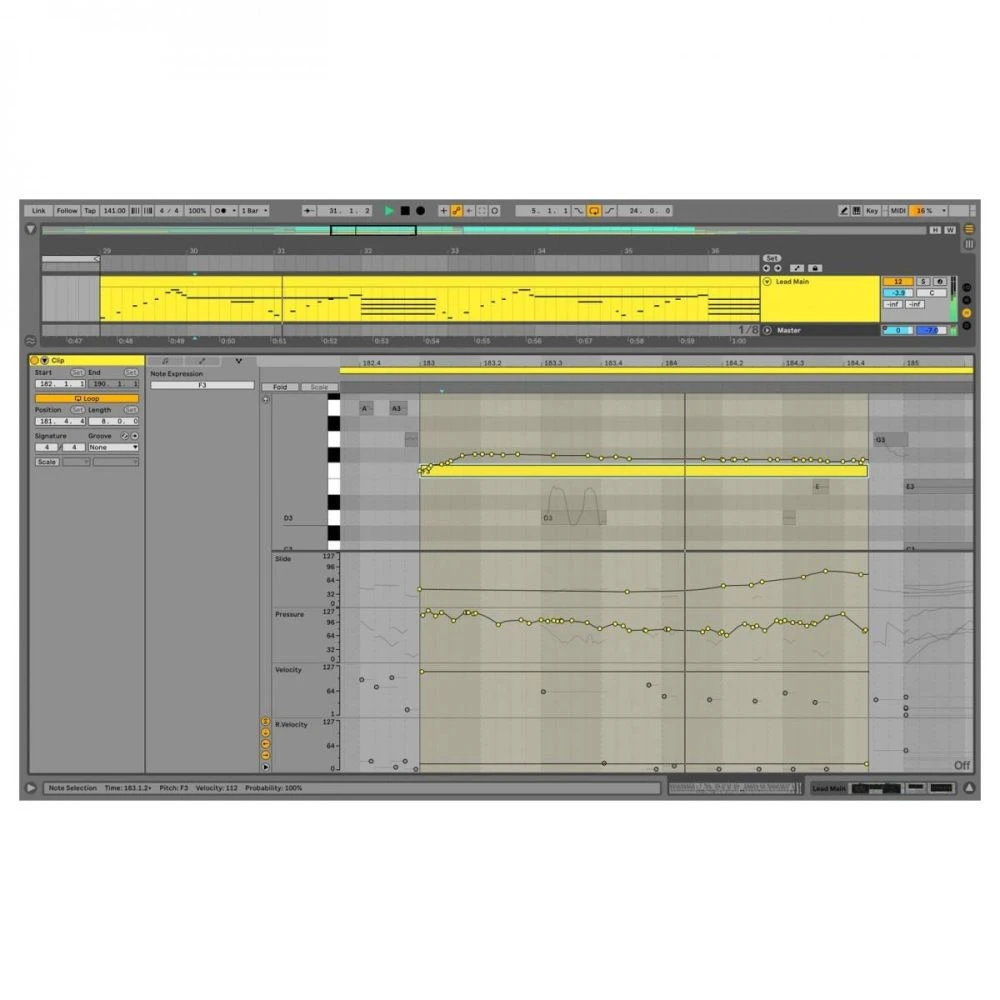
- Multitrack Audio recording and MIDI sequencing of software and hardware instruments
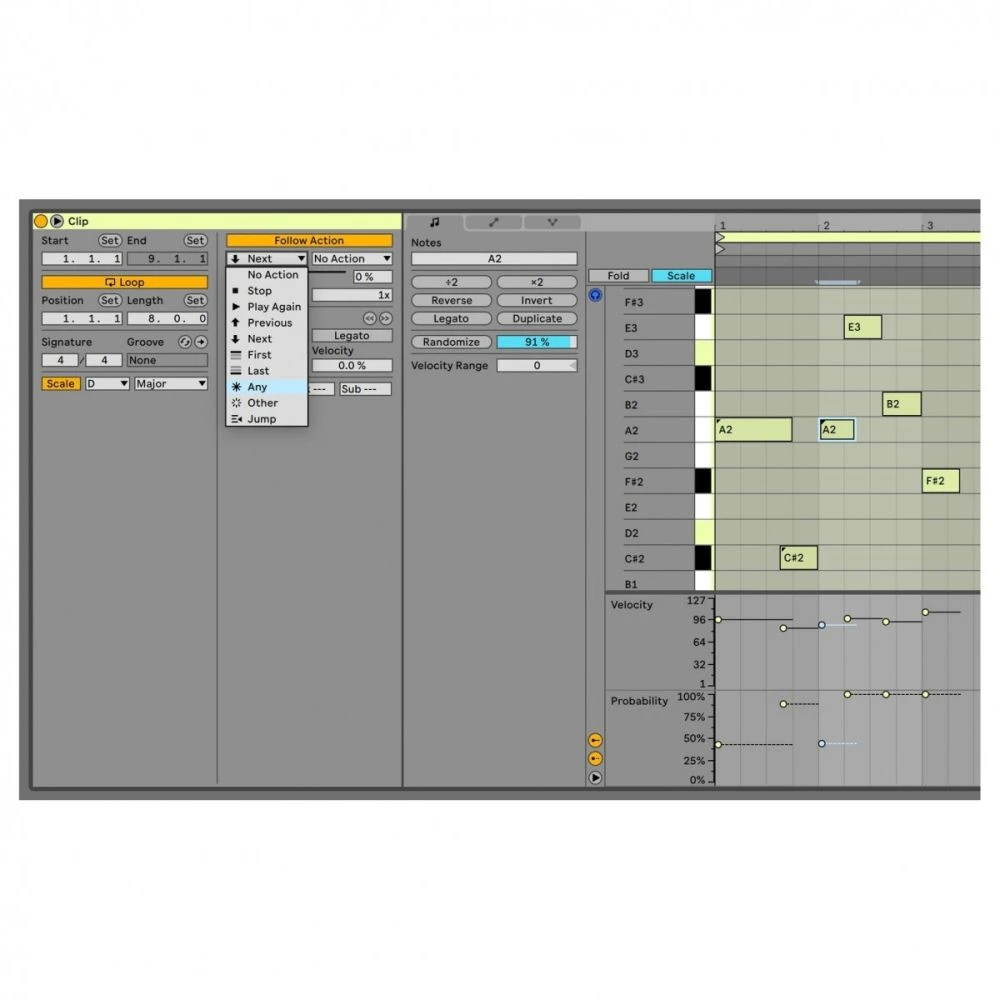
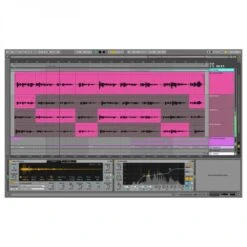
- Unique Session View for nonlinear composition, flexible performance and improvisation
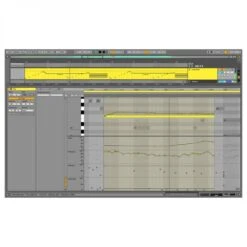
- Real-time warping of audio: automatically sync music and loops, regardless of tempo
- MIDI-mappable controls for hands-on creation onstage or in the studio – plus automatic mapping for popular hardware controllers
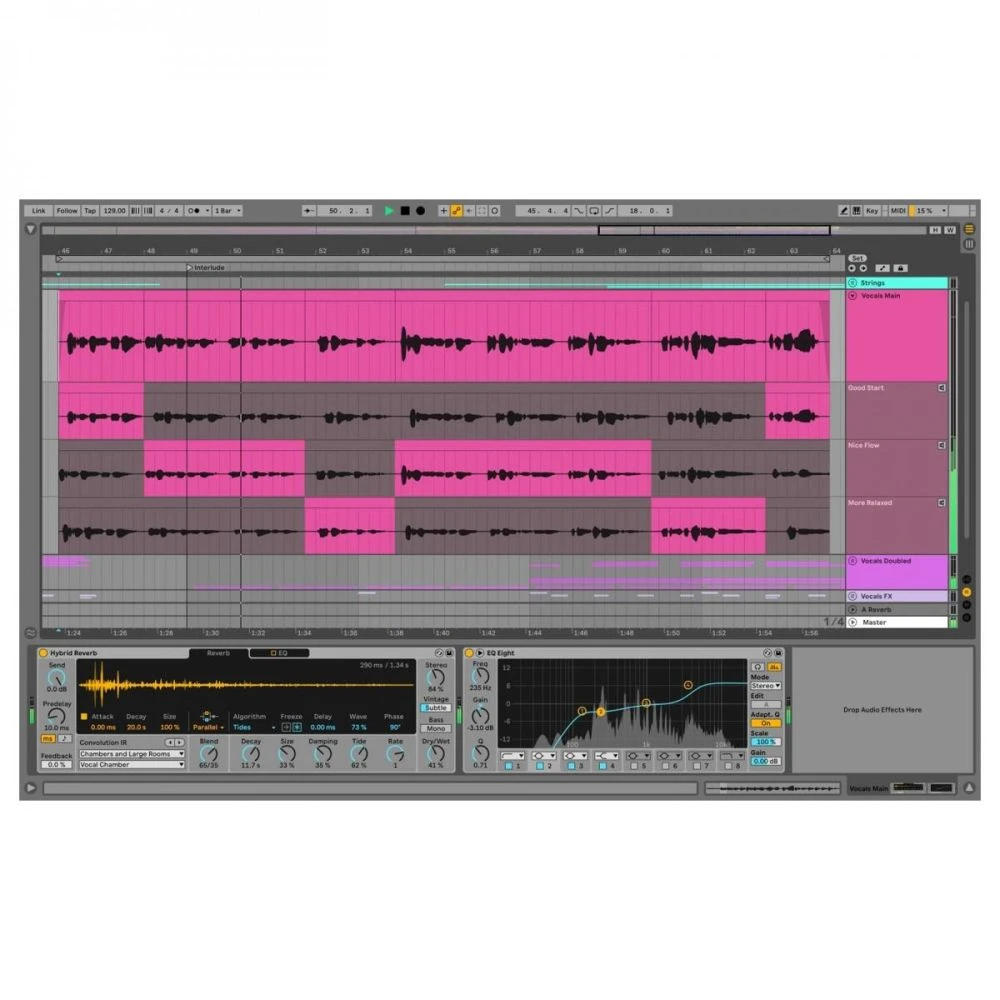
- Comping: select and combine the best of multiple passes of an audio or MIDI performance.
Create Your Way
Boasting everything you need to create the track you want, Live 11 Intro comes with two very different modes of working so you can get the workflow you’re in search of. Allowing you to build your sessions fast, Session View enables you to mix and match MIDI and audio loops to create a session within an instant. Whereas Arrangement View allows you to assemble music via a timeline and build sections of your project with ease.
Extensive Sound Collection
With world-class professional tools built into Live 11 Intro, get tones and synth sounds that’ll make your session sound record ready. With impeccably realistic hardware synths, software instruments, guitars and vocals, you’ll think you’ve recorded them with the real thing!
But that’s not all, as Live’s synths deliver an impressive and vast range of sounds from Wavetable to Analog tones. So you’re never short of mesmerising sounds to enhance your session!
Authentic Live Performance
Have ultimate control of your live show, as Live supplies you with the ability to trigger, remix and resequence in real-time. Superb flexible MIDI mapping allows you to set up most parts of Live for mid-performance tweaking via your controller, so you can create an immersive experience at all times. Furthermore, create and combine a mixture of instruments and effects which you can utilise up to 16 macro knobs to control different aspects effortlessly, so Live can be a really essential piece of gear when playing shows!
Ableton Live 11 Intro Specifications:
- Nondestructive editing with unlimited undo
- Multitrack recording up to 32-bit/192 kHz
- Automatic plug-in delay compensation
- Ableton Link integration
- MIDI remote control instant mapping
- MIDI output to hardware synths
- MIDI Clock/sync
- Multicore/multiprocessor support
- WAV, AIFF, MP3, Ogg Vorbis, FLAC file support
- 16 Audio and MIDI tracks
- 16 Scenes
- 2 Send and return tracks
- 8 input and 8 output audio channels
- Capture MIDI
Windows Requirements:
- Windows 10 (Build 1909 and later)
- Intel Core i5 processor or an AMD multi-core processor.
- 8 GB RAM
- 1366×768 display resolution
- ASIO compatible audio hardware for Link support (also recommended for optimal audio performance)
- Access to an internet connection for authorizing Live (for downloading additional content and updating Live, a fast internet connection is recommended)
- Approximately 3 GB disk space on the system drive for the basic installation (8 GB free disk space recommended)
- Up to 76 GB disk space for additionally available sound content
macOS Requirements:
- OS X 10.13 or later
- Intel Core i5 processor
- 8 GB RAM
- 1280×800 display resolution
- Core Audio compliant audio interface recommended
- Access to an internet connection for authorizing Live (for downloading additional content and updating Live, a fast internet connection is recommended)
- Approximately 3 GB disk space on the system drive for the basic installation (8 GB free disk space recommended)
- Up to 76 GB disk space for additionally available sound content
| Manufacturer | Ableton |
|---|---|
| SKU | 318280 |
| Shipping Weight (kg) | 0.010000 |
| Effects | Yes |
| MPN | 88548 |
| Warranty | 2 Years |
| Series | Live 11 |
Be the first to review “Ableton Live 11 Intro Digital Download”
Related products
Microphones
Studio / Recording
Studio / Recording
Acoustic Treatment
Studio / Recording
Audio Interfaces
Studio / Recording
Reviews
There are no reviews yet.